It’s late, the laptop is shut, and you’re lying in the dark running through tomorrow. Ring the dentist. Reply to the email about the invoice. Buy a birthday card. Check whether the car insurance renews this month. Each one surfaces, gets turned over, and sinks again, and the one you’re most worried about forgetting is the one you keep coming back to.
None of those tasks is hard. The trouble is that you’re using your memory as a to-do list, and memory is a poor one. The fix is old and simple: get everything out of your head and onto a page. What’s changed is that the page no longer has to be typed.
Your Head Is a Bad Place to Keep a List
An unfinished task doesn’t sit quietly in the background. It keeps tapping you on the shoulder, often at the least useful moment: in the shower, halfway through a conversation, at two in the morning. You can’t act on it then, but you can’t quite let it go either, because nothing tells you it’s been safely written down anywhere else.
A brain dump ends that loop. You empty out every open item, large or trivial, into one place you trust. Once it’s captured, your mind stops rehearsing it. The list does the remembering so you don’t have to.
Most people know this works. They still don’t do it, because a brain dump is only as good as its capture, and capture is where it usually breaks down.
Why Speaking Beats Typing for a Brain Dump
Typing a brain dump turns it into a writing exercise. You start tidying sentences, deciding which list an item belongs on, correcting typos on a phone keyboard. Meanwhile the next three thoughts drift off. The point was to empty your head quickly, and the keyboard slows you down to the speed of your thumbs.
Speaking doesn’t have that problem. You can talk far faster than you can type, and you don’t stop to format anything. You can do it while you’re walking, making a coffee, or sitting in the car before you head inside. It also catches the context that a terse typed list loses:
- It keeps the “why”. “Email Sam” becomes “email Sam about moving Thursday’s call, because the client wants the numbers first”. Next week, you’ll be glad of the second half.
- It catches the small stuff. When you talk freely, the minor tasks come out alongside the big ones. They’re the ones that slip through when you’re carefully composing a list.
- It costs almost nothing to start. One tap and you’re talking. There’s no blank page to face, so you actually do it instead of meaning to.
- It works when your hands are busy. The moments you remember things are rarely the moments you’re sitting at a desk.
The catch is what happens afterwards. A spoken brain dump left as audio is just a recording you’ll never replay. It only becomes a list when the words are on the screen.
A Five-Minute Voice Brain Dump
You don’t need a system with a name. You need five minutes, once a day, and these four steps.
1. Say everything, in any order
Start recording and talk until you run dry. Work, home, errands, half-ideas, worries. Don’t sort and don’t judge whether something is worth saying. If you’re not sure, say it. When you think you’ve finished, wait ten seconds; there’s almost always one more.
2. Read it back as text, not audio
Open the transcript, not the recording. A three-minute ramble takes three minutes to replay but about thirty seconds to skim. Reading is also where you spot the items you didn’t realise you’d said.
3. Pull out the actions
Go through the text and turn each task into a short line that starts with a verb: “Ring the dentist”, “Reply to the invoice email”, “Check insurance renewal date”. Anything that isn’t an action, like an idea or a worry, can stay in the note. It’s captured, and that’s enough.
4. Pick three for today
A full list is reassuring but it isn’t a plan. Choose the three items that matter most today and do those first. Everything else waits in the list, where it can’t keep you up at night.
Let the List Remember for You
The value of a brain dump builds up over time. Yesterday’s dump answers today’s “did I ever deal with that?” A dump from last month tells you when you first mentioned the leaking tap. But that only works if you can find things again, which is why the notes need to be text. We covered why in searchable transcripts versus a folder of recordings, and why untranscribed voice notes tend to get abandoned in why you never listen to your voice notes again.
Speak the list out of your head, read it back as text, keep the three that matter. Then go to sleep.
Try it for yourself
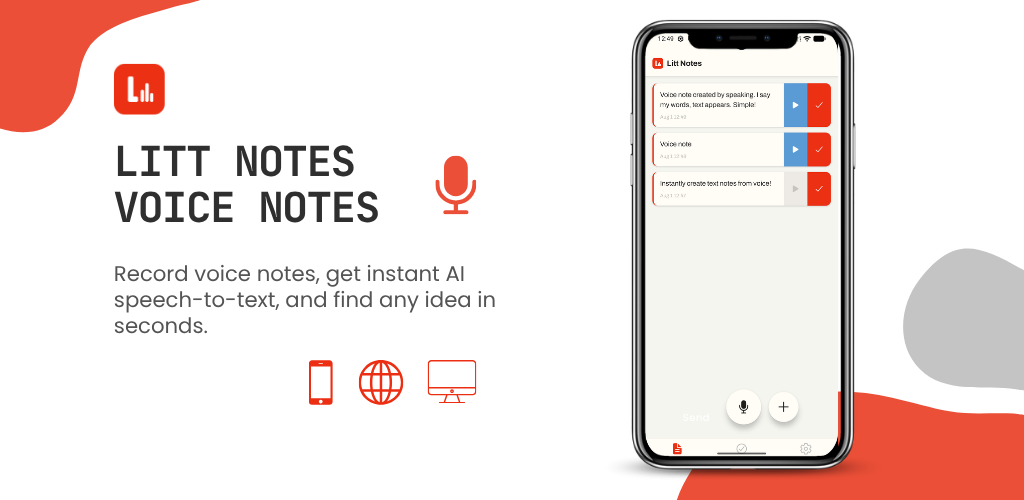
Litt Notes turns what you say into text the moment you say it, so a spoken brain dump is ready to read, search and turn into a to-do list. It’s launching soon.
Leave a Reply